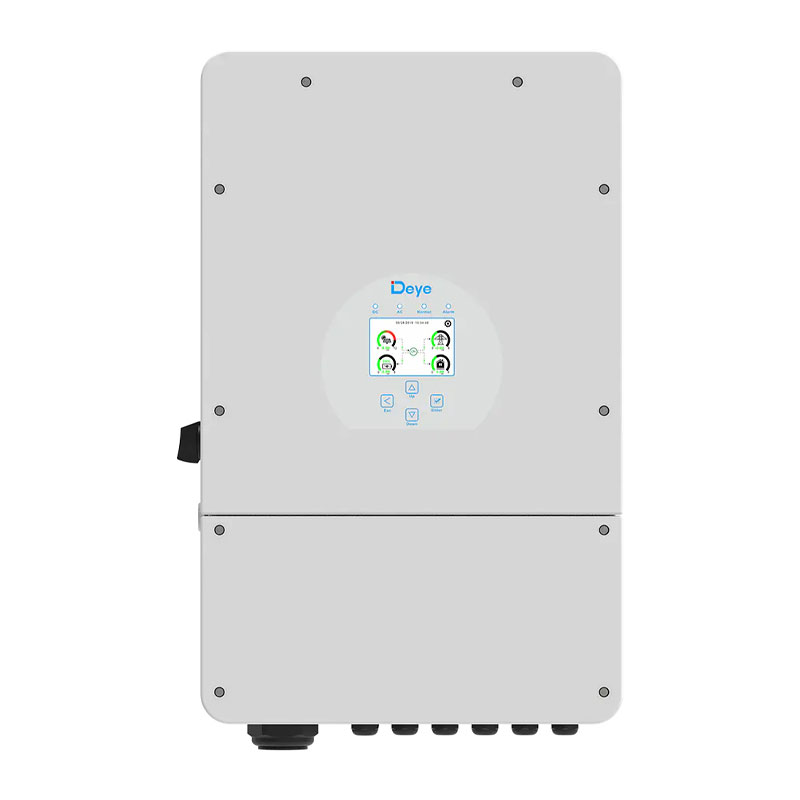
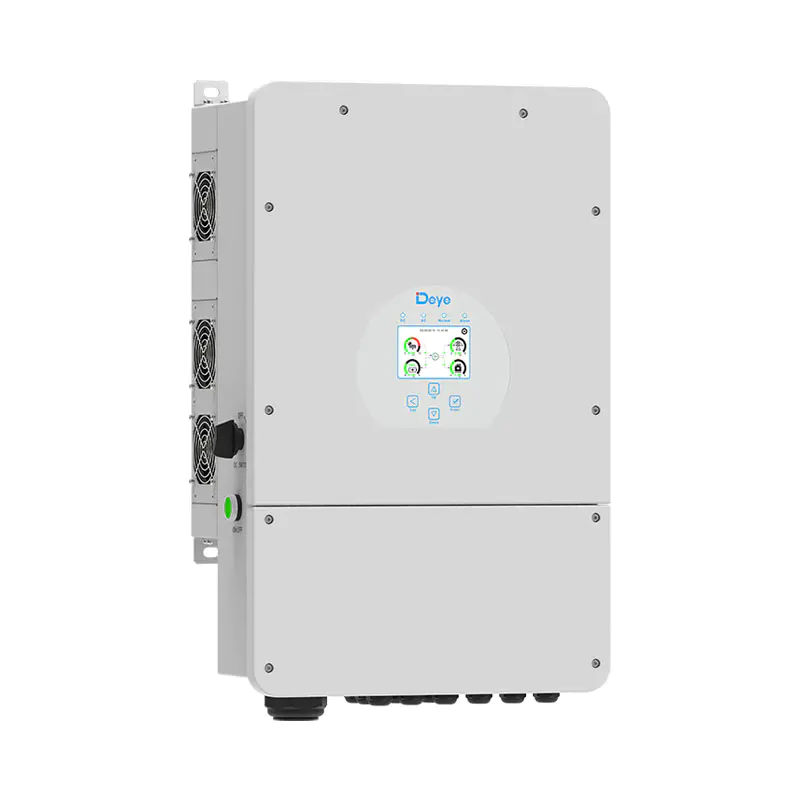
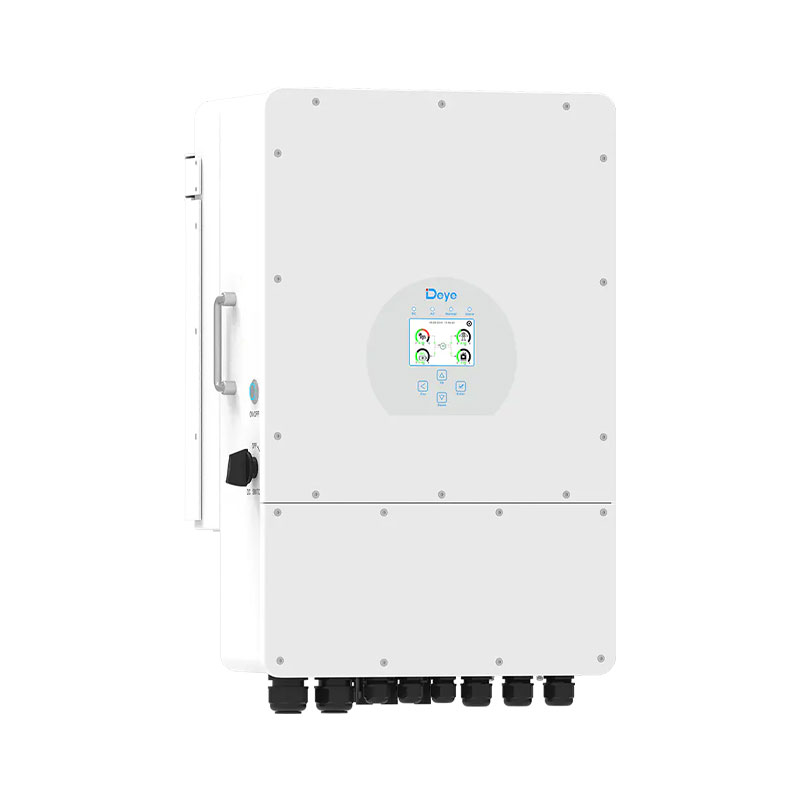
Deye Residential Energy Storage Battery User Quick-Check Guide — Concise Operating Instructions
Mar 20,2026Deye Inverter User Quick-Check — Concise How-To
Mar 15,2026UnizSolar_Deye_Accessories_Explained
Mar 14,2026Deye SUN-EVSE22K01-EU-AC: Your Ultimate Smart EV Charger for European Roads
Mar 13,2026How Are Solar Panels Rated? Watts, Efficiency, and Output
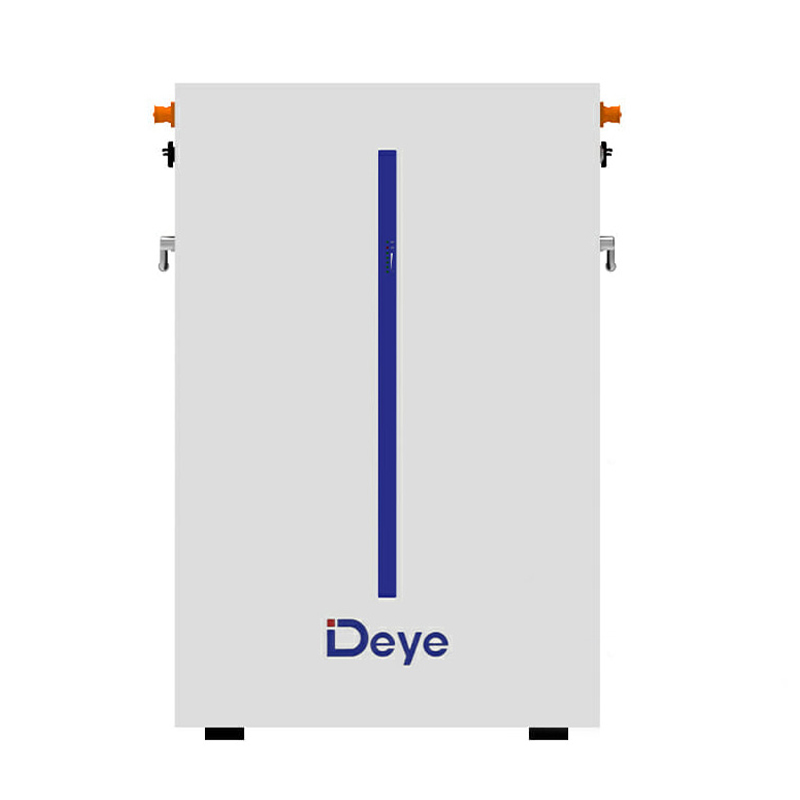
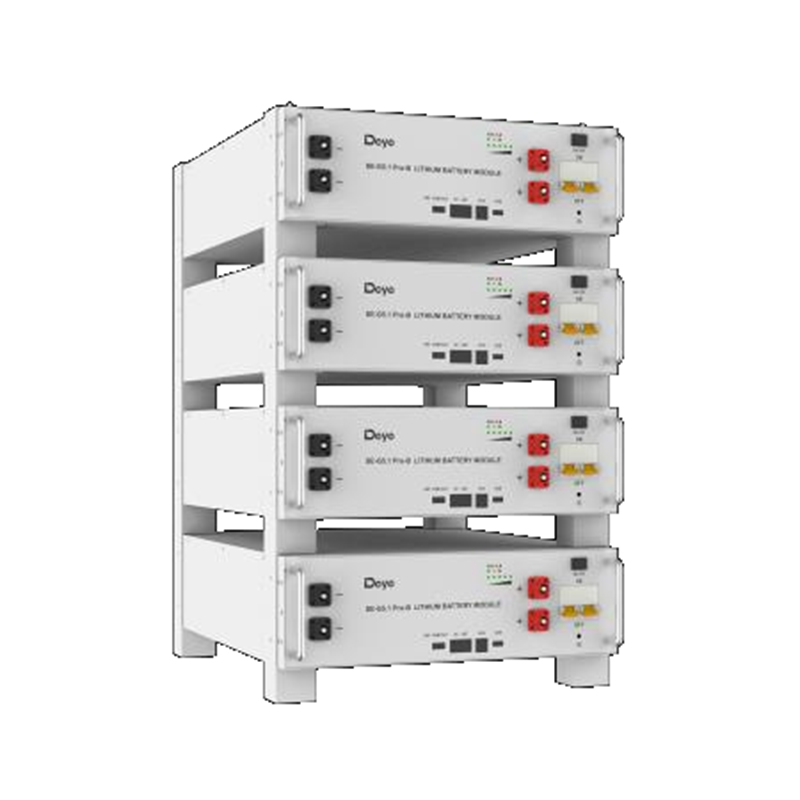
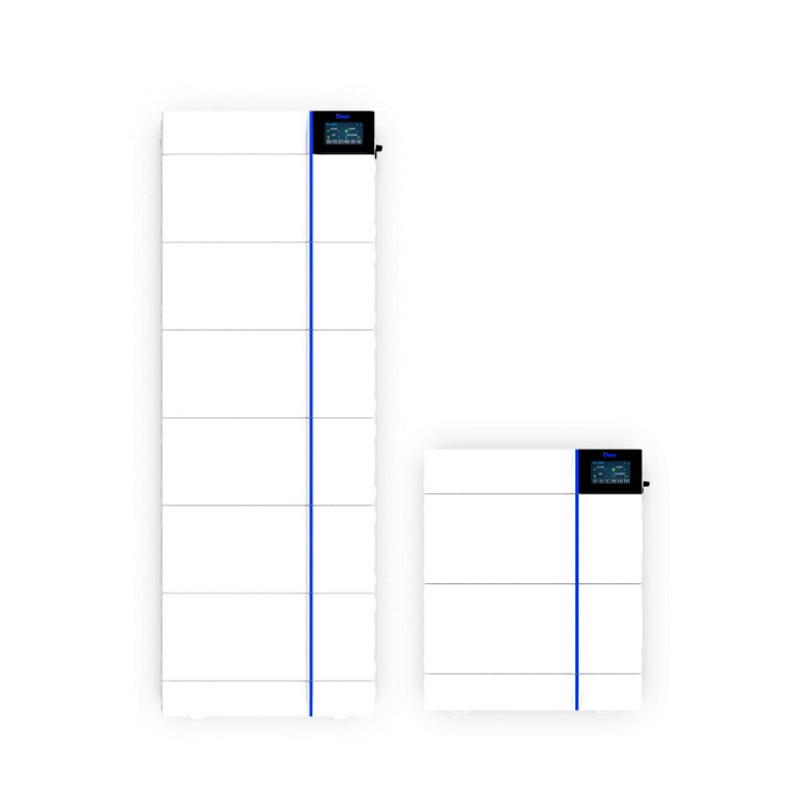
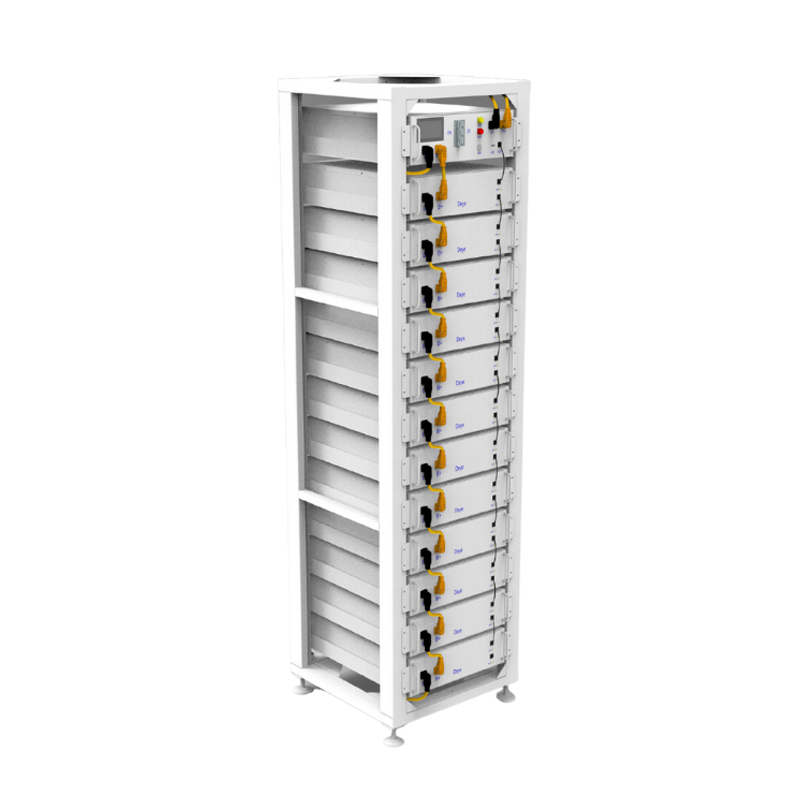
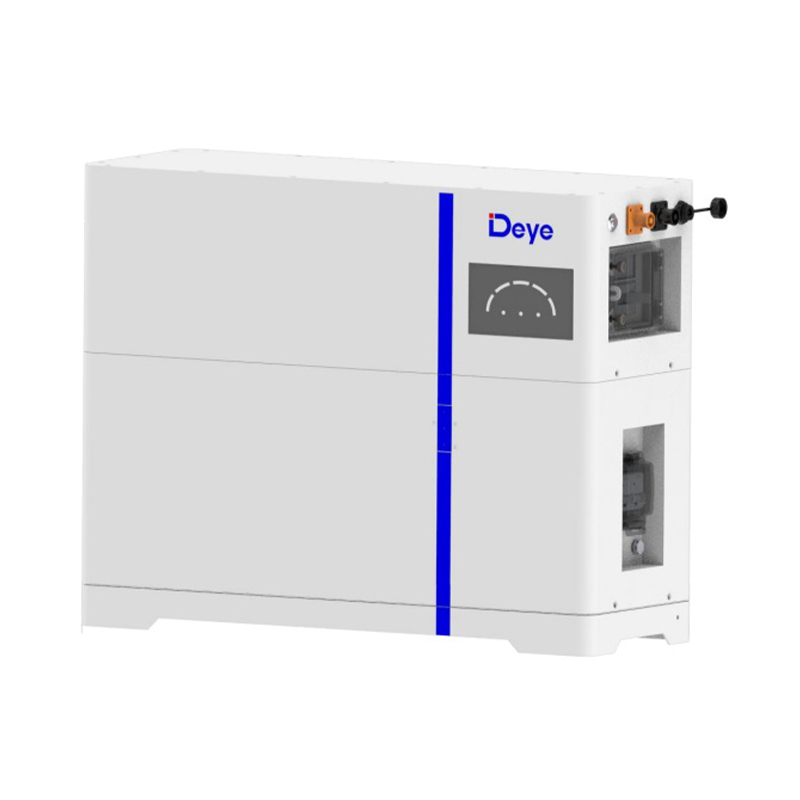
Mar 13,2026Deye Residential Energy Storage Battery User Quick-Check Guide — Concise Operating Instructions
One-line Core Principle
Only perform external, low-risk inspections; always disconnect all power supplies and verify the voltage is within a safe range with a multimeter before touching any battery components. Leave internal maintenance and safety protection bypass operations to professional technicians.
Pre-Operation Preparation — Three Mandatory Steps
1.Prepare PPE and tools: Insulated gloves, safety goggles, an AC/DC multimeter, insulated screwdrivers, and a mobile phone for photo documentation.
2.Isolate power and verify voltage: Turn off the AC/DC circuit breakers/isolation switches for the energy storage battery and associated equipment. Measure the battery terminal voltage with a multimeter and confirm it is within the safe range before proceeding with any subsequent operations.
3.Document key information: Note the battery model and serial number, record any fault codes on the LCD screen, the fault timestamp, and take photos of the equipment condition for subsequent technical support inquiries.
3-Minute Quick-Check Checklist (Perform in Sequence)
1.Visual & indicator check: Inspect the battery enclosure for bulging, liquid leakage, or burn marks; check the LCD screen for persistent alarm prompts and record the alarm type.
2.Emergency stop & control panel check: Confirm the emergency stop button is in the released position; if the button was pressed, reset and release it first, then attempt to restart the battery unit.
3.Terminal & wiring check (power off): Inspect the tightness of the battery positive/negative (+/-) terminals and communication interface terminals for rust or oxidation; confirm the CAN/RS485 communication plugs are securely connected with no looseness.
4.Cooling system check (power off): Remove dust and debris from the battery cooling vents with a soft brush or low-pressure dry air; briefly power on the unit to confirm the cooling fan operates normally with no abnormal noise.
5.Safe restart attempt: If there is no smoke, unusual odor, or bulging of the unit, disconnect power and let it stand for 30 seconds to 2 minutes, then reclose the circuit breakers and observe if the fault is cleared.
6.Preserve fault evidence: Save the voltage readings from the multimeter, fault codes, and equipment photos to share with technical support personnel at a later stage.
Quick Fault Troubleshooting Guidelines
1.No display / failure to start: Prioritize checking the normal supply of AC and DC power for the battery and associated equipment, and verify if the emergency stop button is not reset.
2.BMS communication fault: Inspect for loose communication plugs, damaged or kinked communication cables; do not disable the BMS (Battery Management System) protection functions. Contact technical support directly if the fault persists.
3.Overtemperature fault: Clean the cooling vents and improve ventilation around the equipment; if the cooling fan malfunctions or the overtemperature alarm persists, stop using the unit immediately and contact professional maintenance personnel.
4.Battery overvoltage / undervoltage: Record the actual battery voltage measured by the multimeter; do not attempt to bypass protection devices or forcibly charge/discharge the battery, and seek professional assistance promptly.
5.Abnormal charging/discharging: Inspect the tightness of the connection terminals between the battery and inverter, and confirm the inverter is operating normally. Contact technical support for troubleshooting if no obvious issues are found.
Red Line Prohibitions — Absolutely Forbidden Operations
1.Do not remove the battery enclosure or attempt internal maintenance while the unit is live.
2.Do not disable or bypass the BMS or any other safety protection devices.
3.Do not clean the battery cooling vents with a heat gun or wet cloth to avoid equipment damage or short circuits.
4.Do not repair damaged cables with tape while the battery is live; if a cable is damaged, disconnect power immediately and have it replaced by professional technicians.
5.Do not continue using the battery if it is bulging or leaking liquid; disconnect power at once and keep a safe distance from the unit.
When to Contact Professional Technicians / Technical Support
1.The unit emits smoke, a burning odor, or shows signs of enclosure bulging, liquid leakage, sparking, or persistent unresolvable alarms on the LCD screen.
2.Fault codes appear repeatedly, or the fault is not resolved after completing all the above safety inspections.
3.BMS communication faults, abnormal battery voltage, or a complete failure of charging / discharging functions occur.
4.The battery sustains physical impact, water ingress, moisture damage, or other accidents.
Information to Provide When Contacting Technical Support
To ensure efficient troubleshooting, provide the following information when contacting support personnel:
Battery model & serial number, fault code, actual voltage readings measured by the multimeter, steps of the inspections you have performed, and photos/videos of the faulty parts and the overall condition of the unit.
#DeyeEnergyStorage #DeyeBattery #ResidentialESS#SolarStorage #BatteryMaintenance #EnergyStorageTroubleshooting#Unizsolar
+31610999937
[email protected]
De Werf 11, 2544 EH The Hague, The Nederland.
WhatsApp: +1 (917) 257 2995/Copyright © 2023 Uni Z International B.V. VAT: NL864303440B01 All Rights Reserved
Solar Energy Storage System Solutions and Products